Task
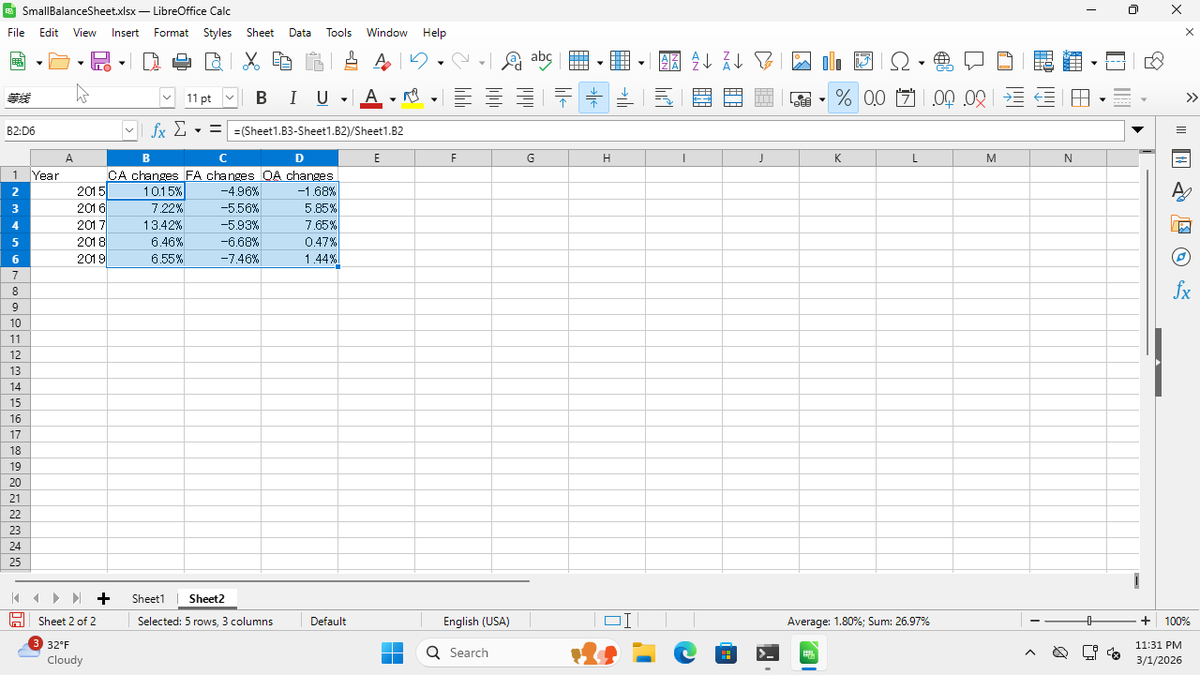
Create a new sheet in LibreOffice Calc with 4 headers (“Year”, “CA changes”, “FA changes”, “OA changes”), then calculate the annual changes for each asset column by referencing data on Sheet1 and format the results as percentages.
This recording was made on a Windows VM as part of the Windows Agent Arena benchmark evaluation.
Recording
21 steps
windows
1
Right-click on the "Sheet1" tab at the bottom and select "Insert Sheet" or "New Sheet"
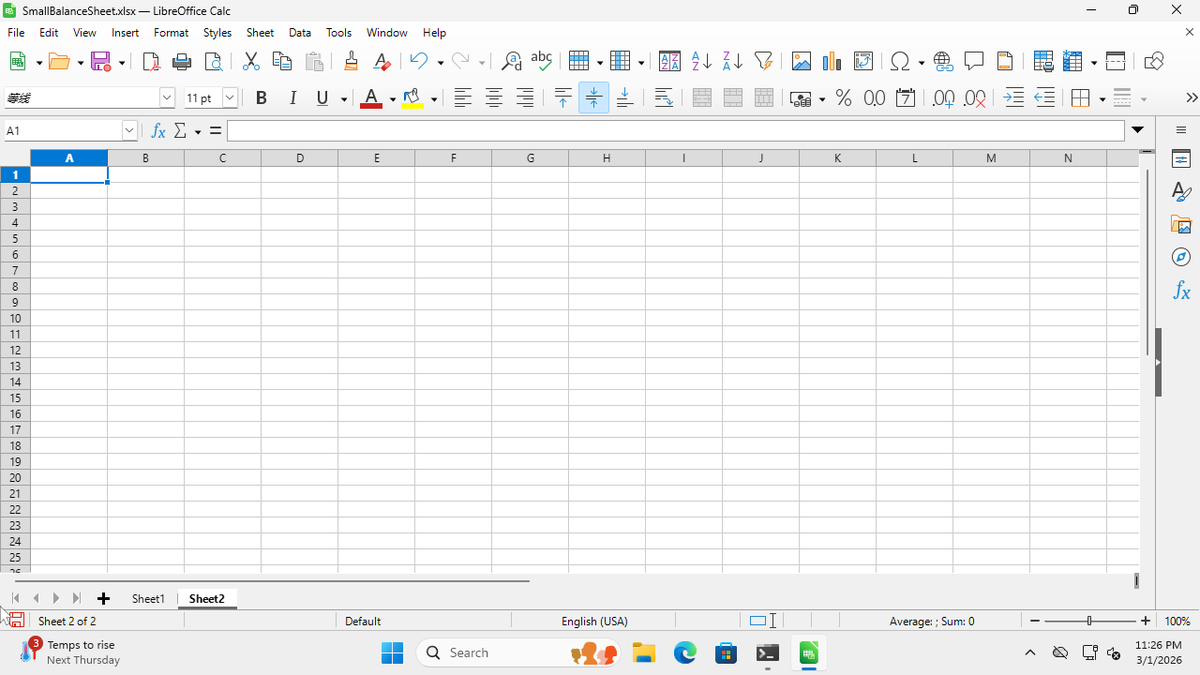
2
Click cell A1 and type "Year"
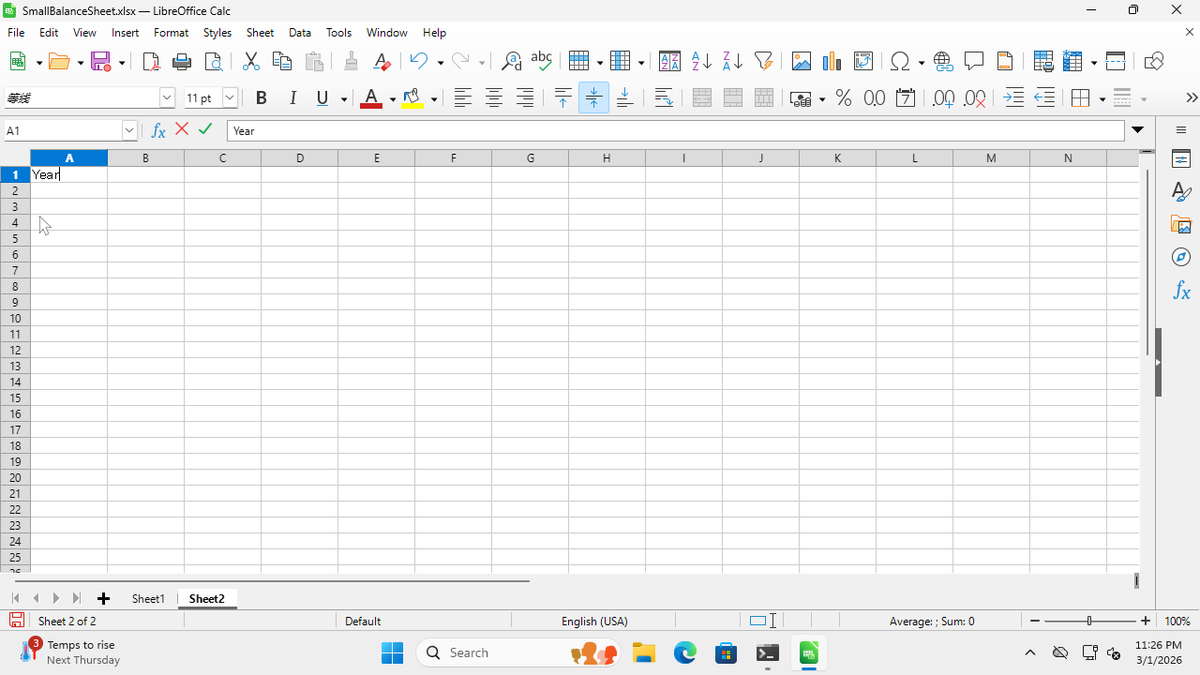
3
Press Tab and type "CA changes"
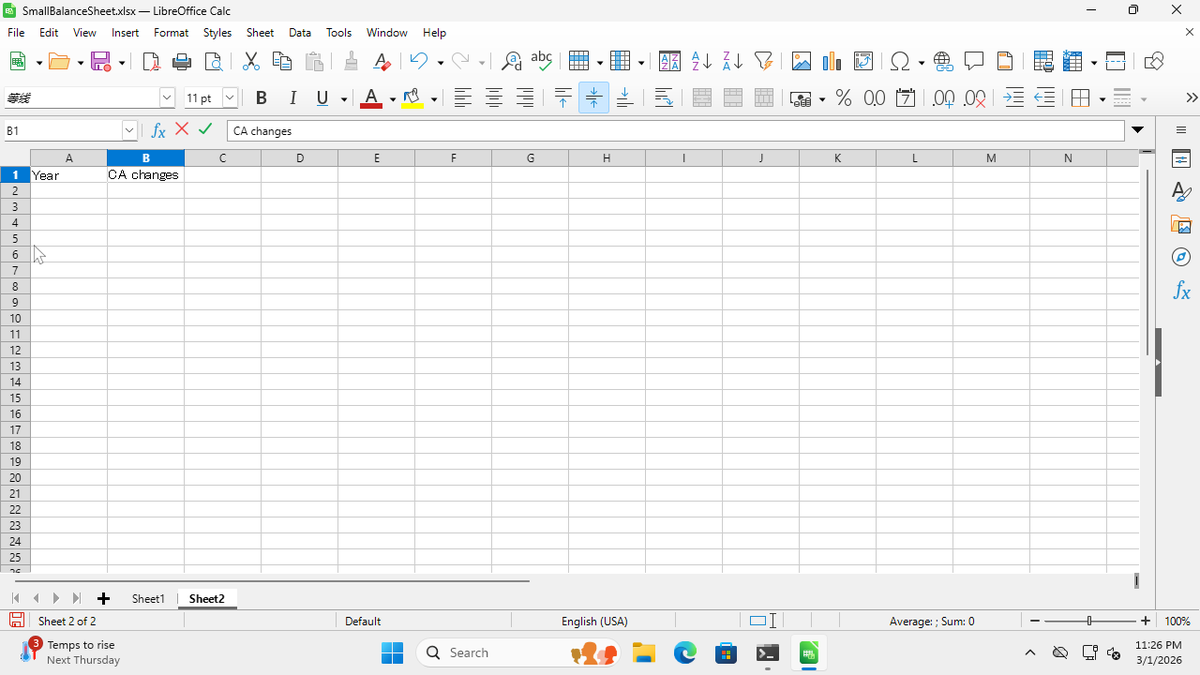
4
Press Tab and type "FA changes"
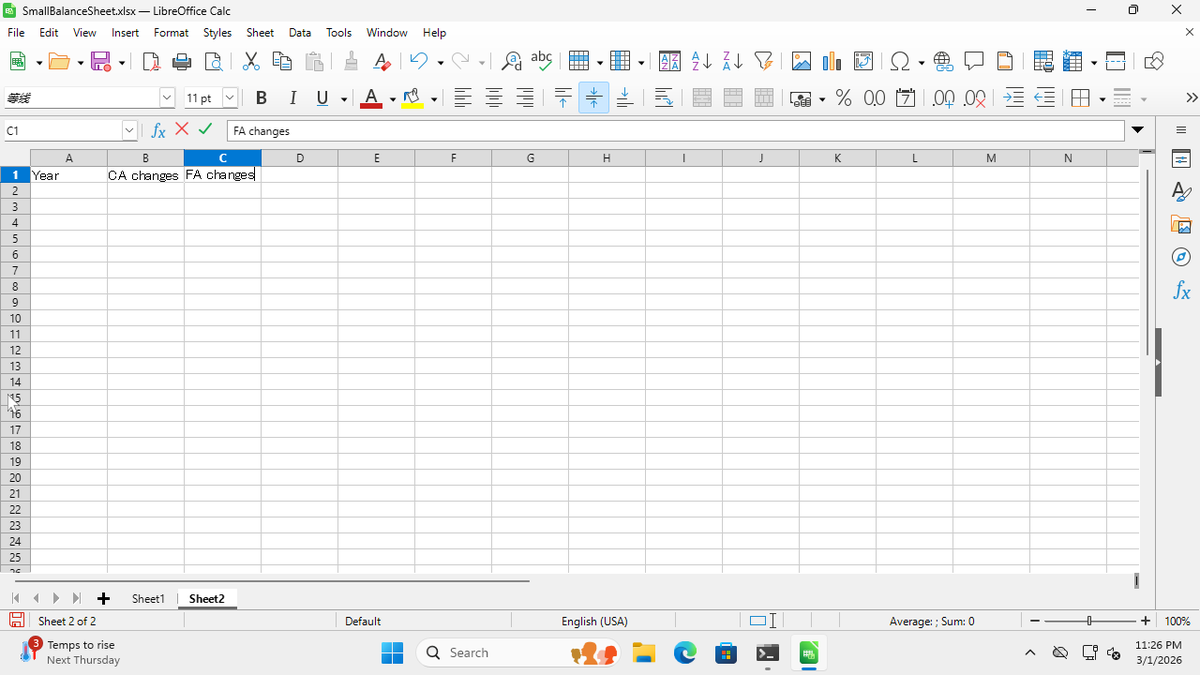
5
Press Tab and type "OA changes"
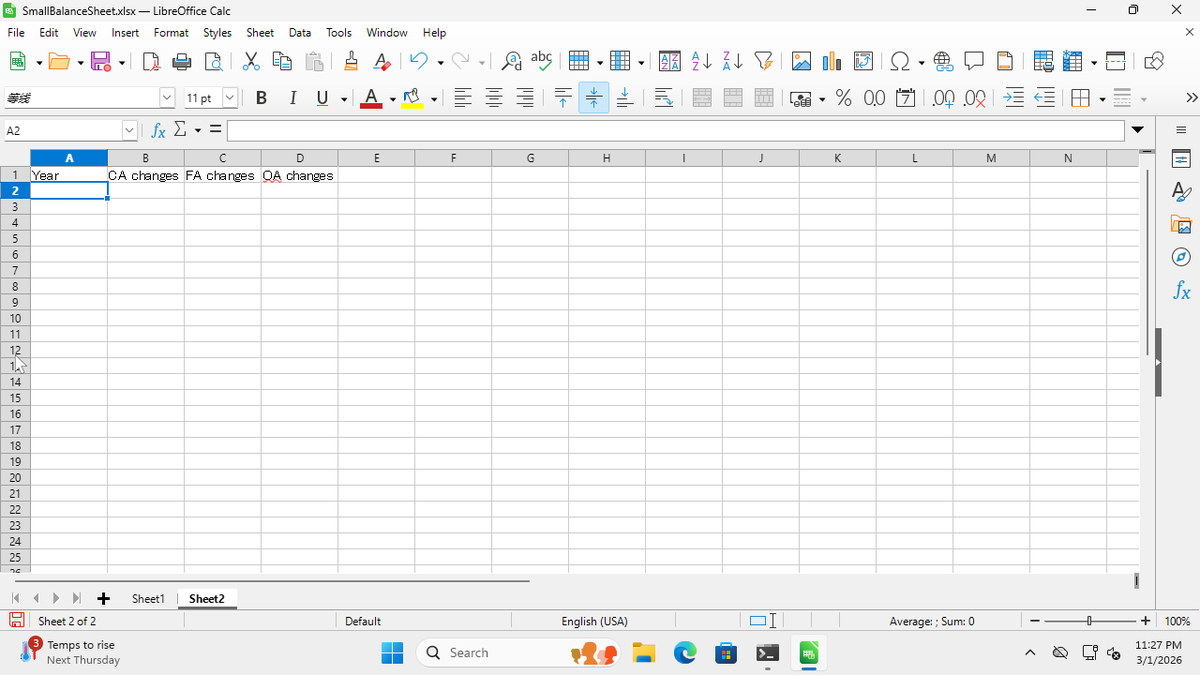
6
Click cell A2 and type "2015"
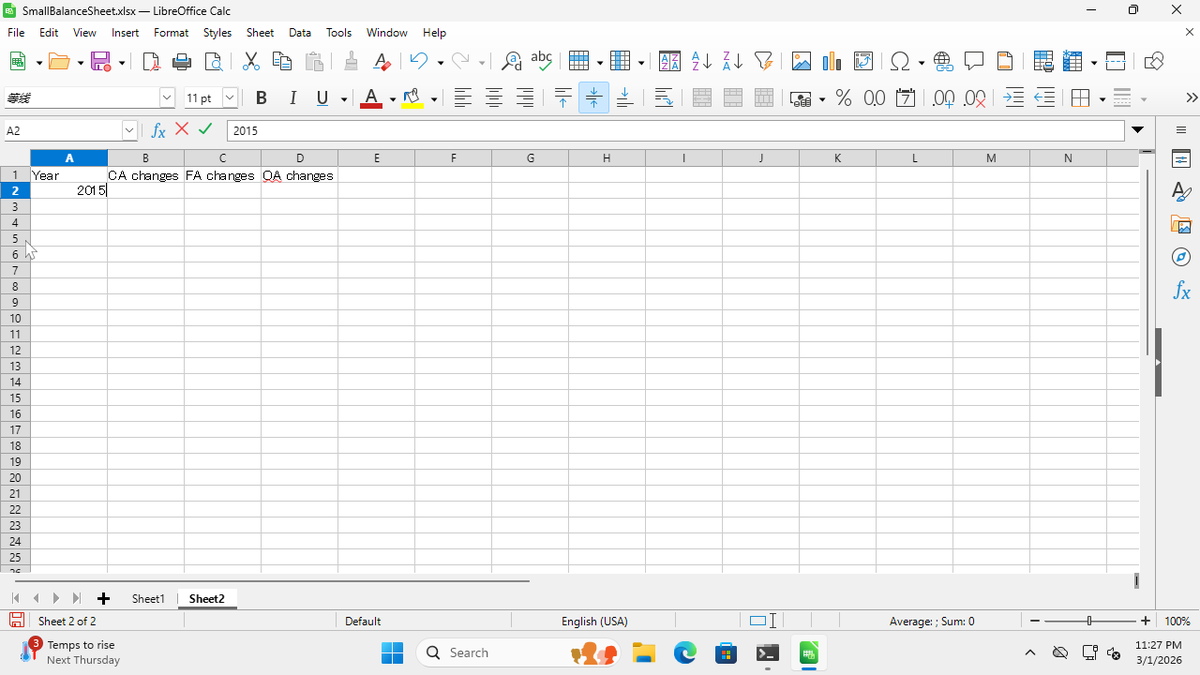
7
Press Enter and type "2016"
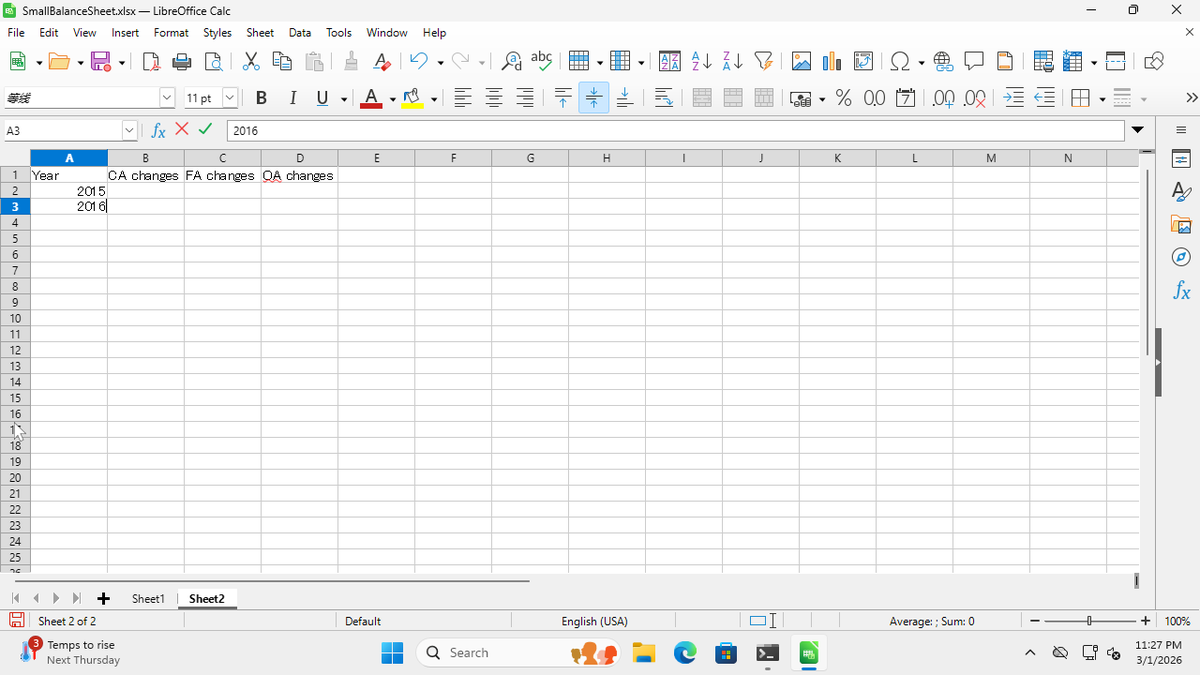
8
Press Enter and type "2017"
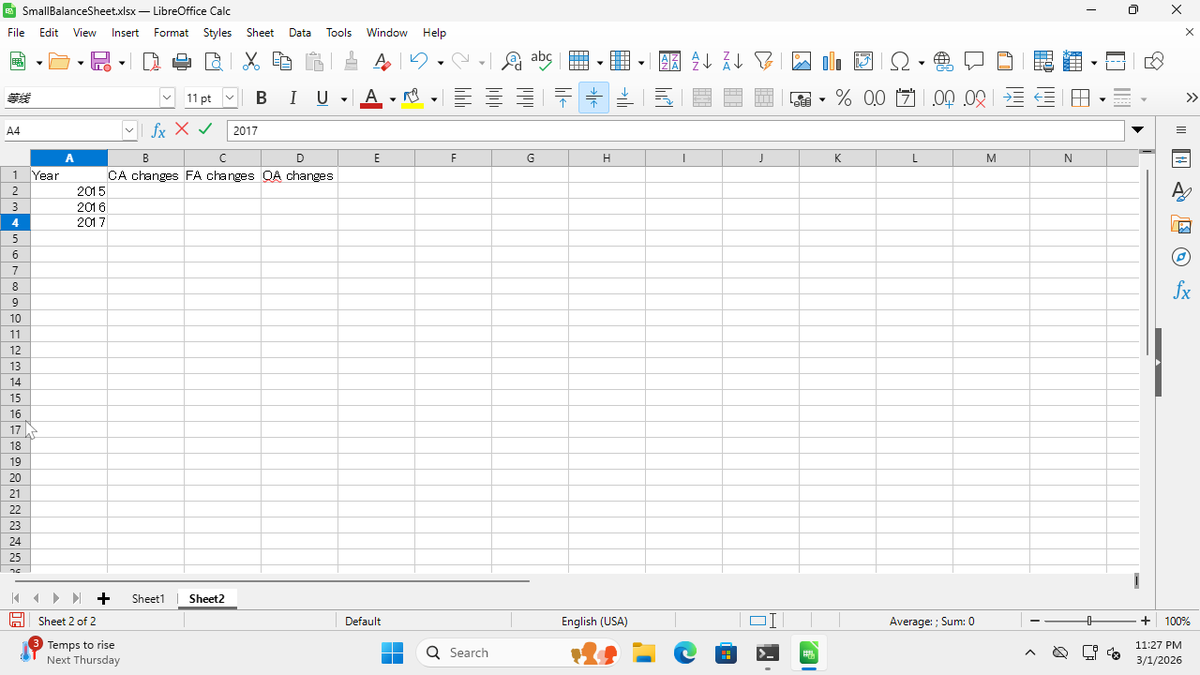
9
Press Enter and type "2018"
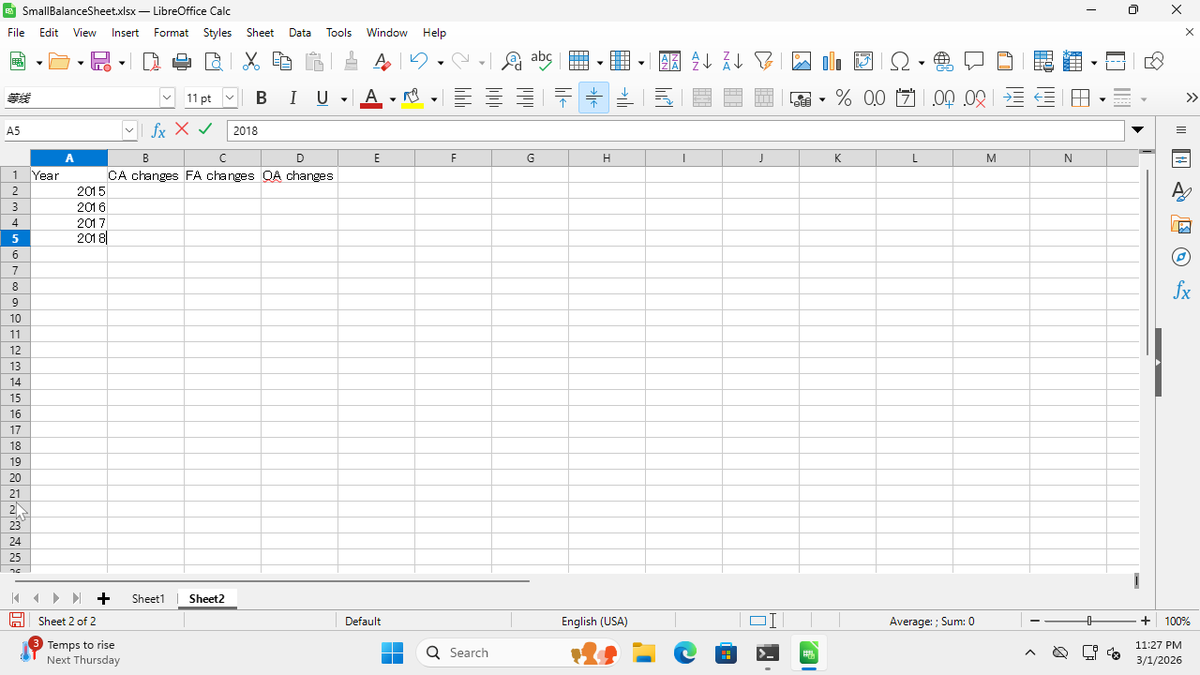
10
Press Enter and type "2019"
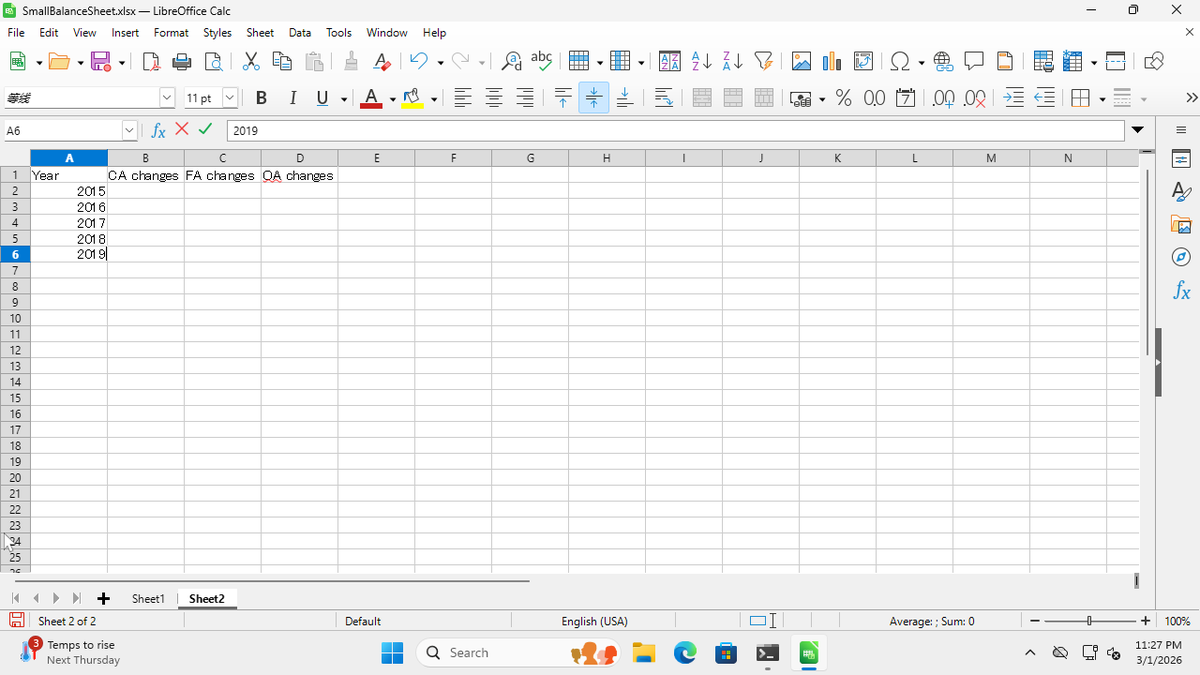
11
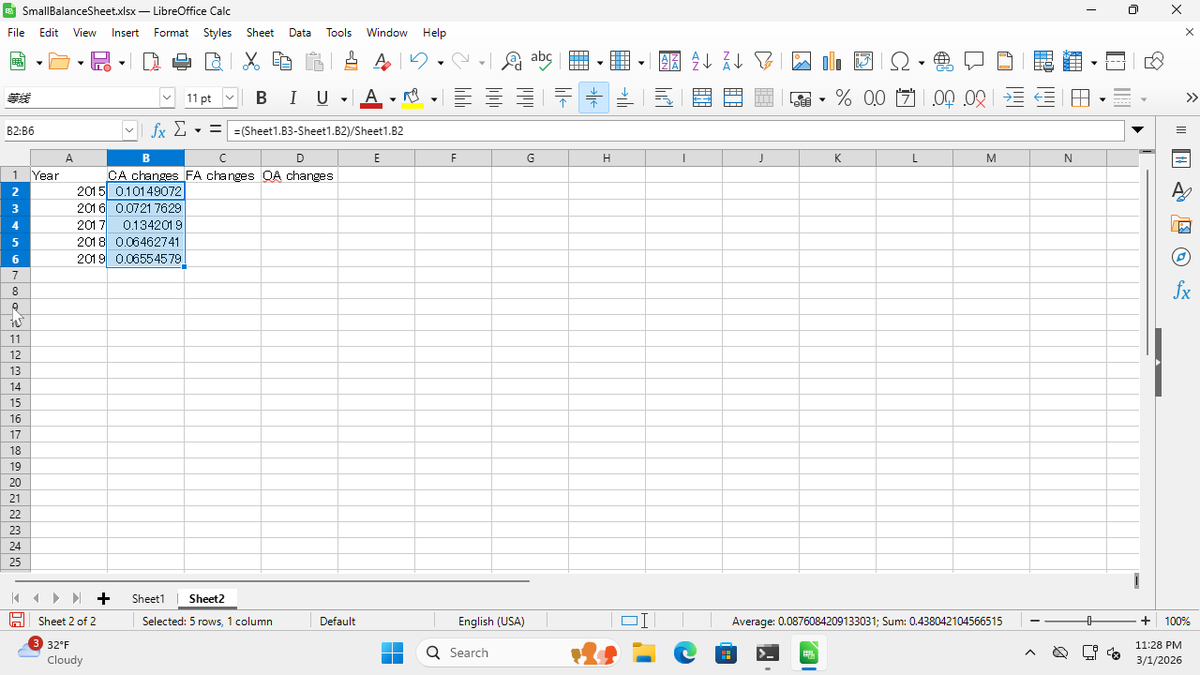
Click cell B2 and type "=(Sheet1.B3-Sheet1.B2)/Sheet1.B2"
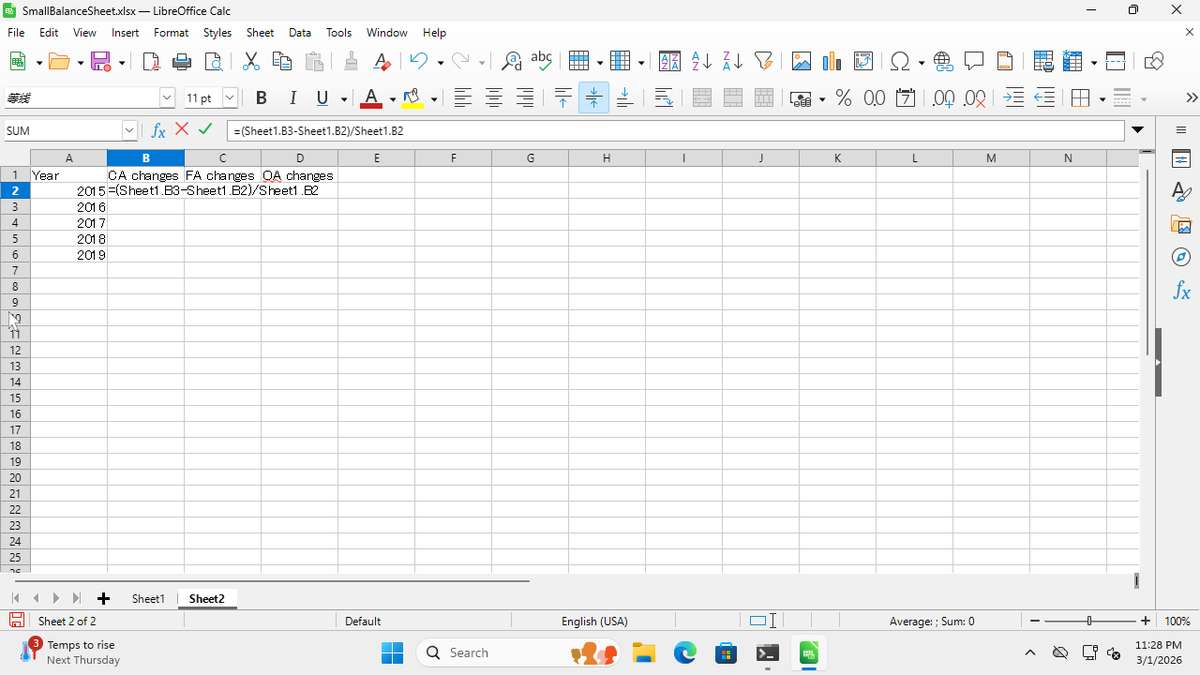
12
Press Enter
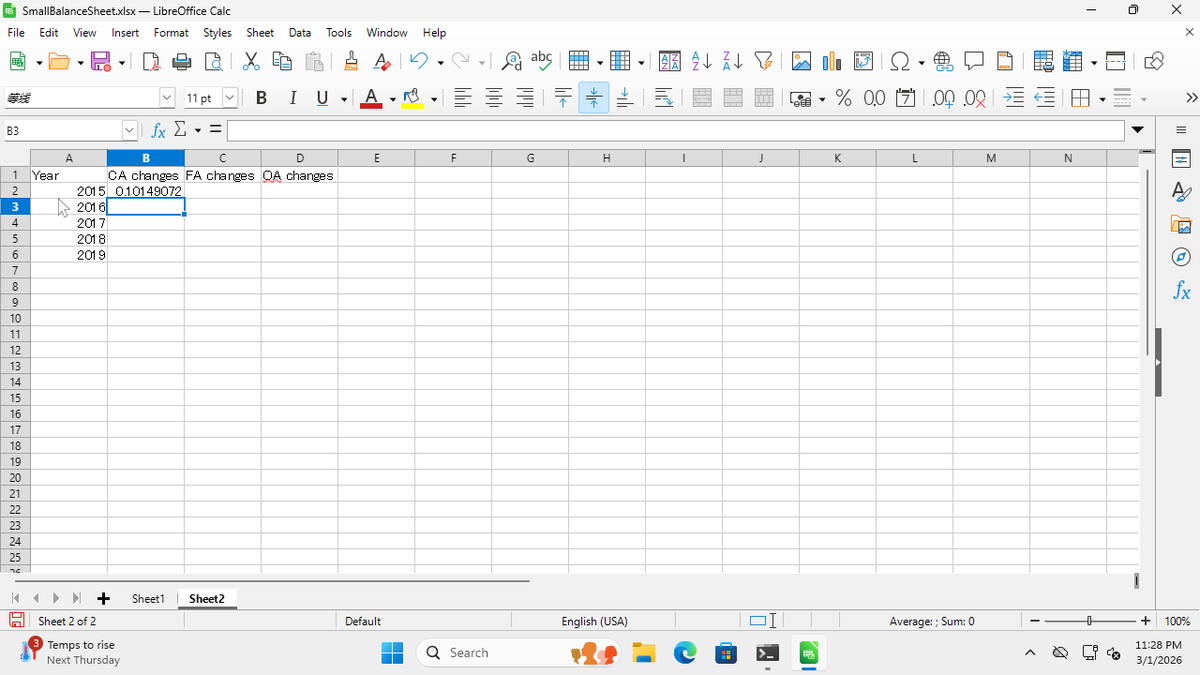
13
Click cell B2, then drag the fill handle down to B6
14
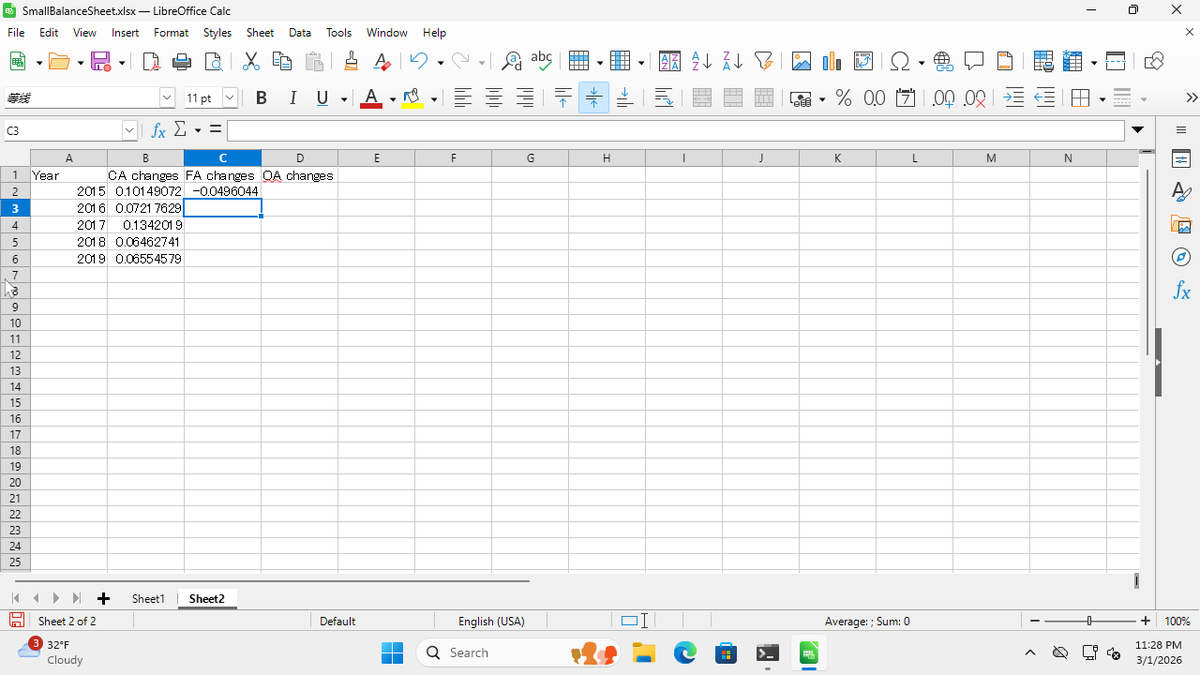
Click cell C2 and type "=(Sheet1.C3-Sheet1.C2)/Sheet1.C2"
15
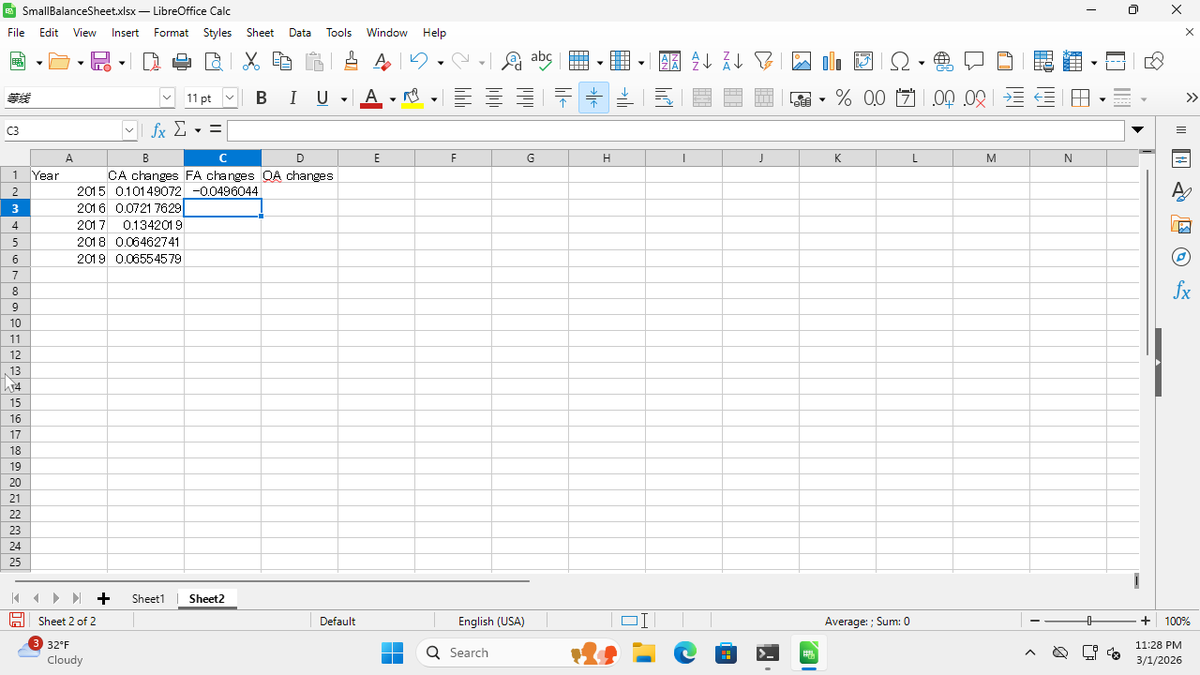
Press Enter
16
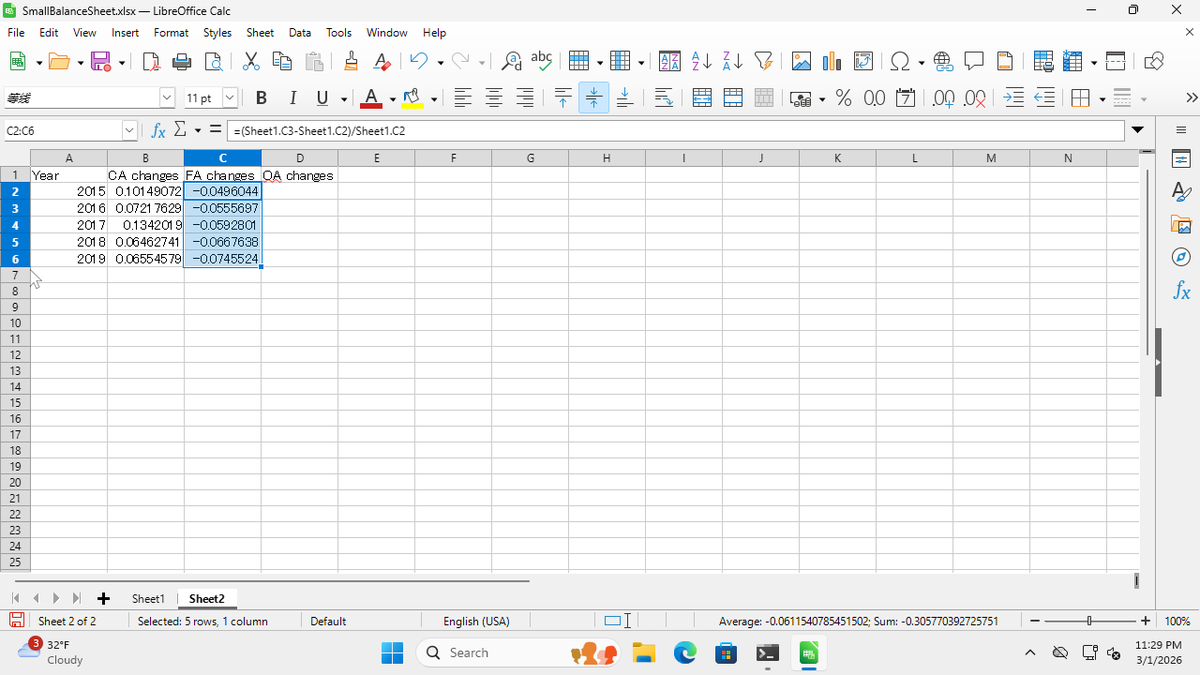
Click cell C2, then drag the fill handle down to C6
17
Click cell D2 and type "=(Sheet1.D3-Sheet1.D2)/Sheet1.D2"
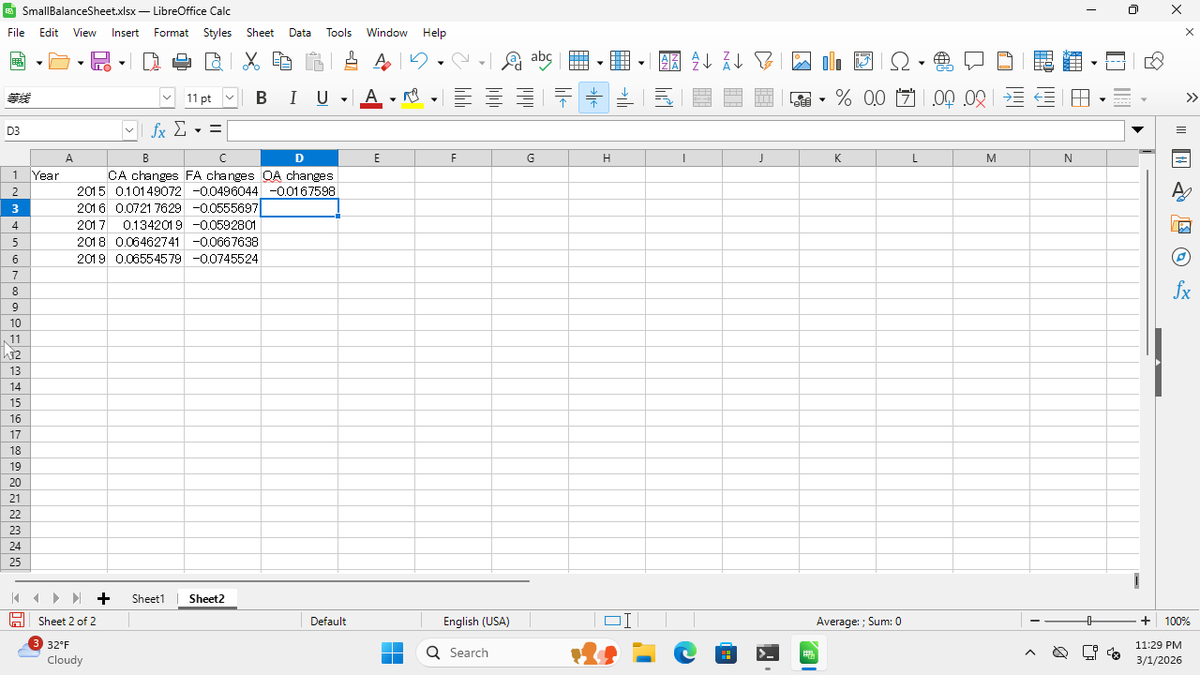
18
Press Enter
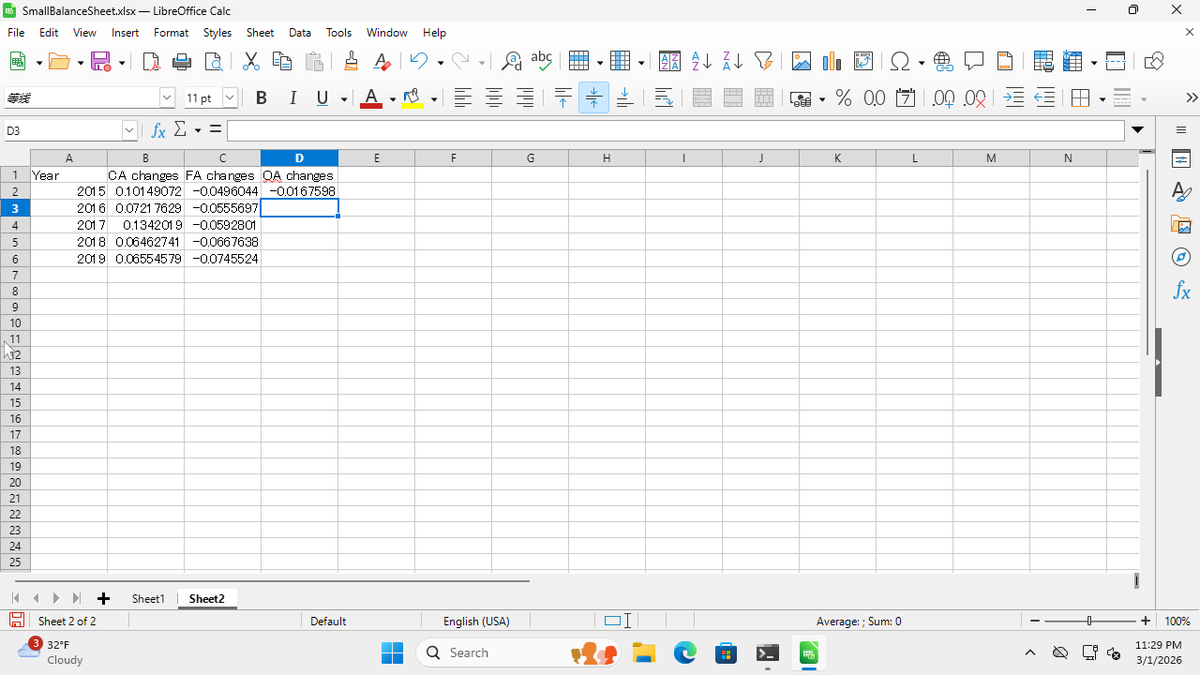
19
Click cell D2, then drag the fill handle down to D6
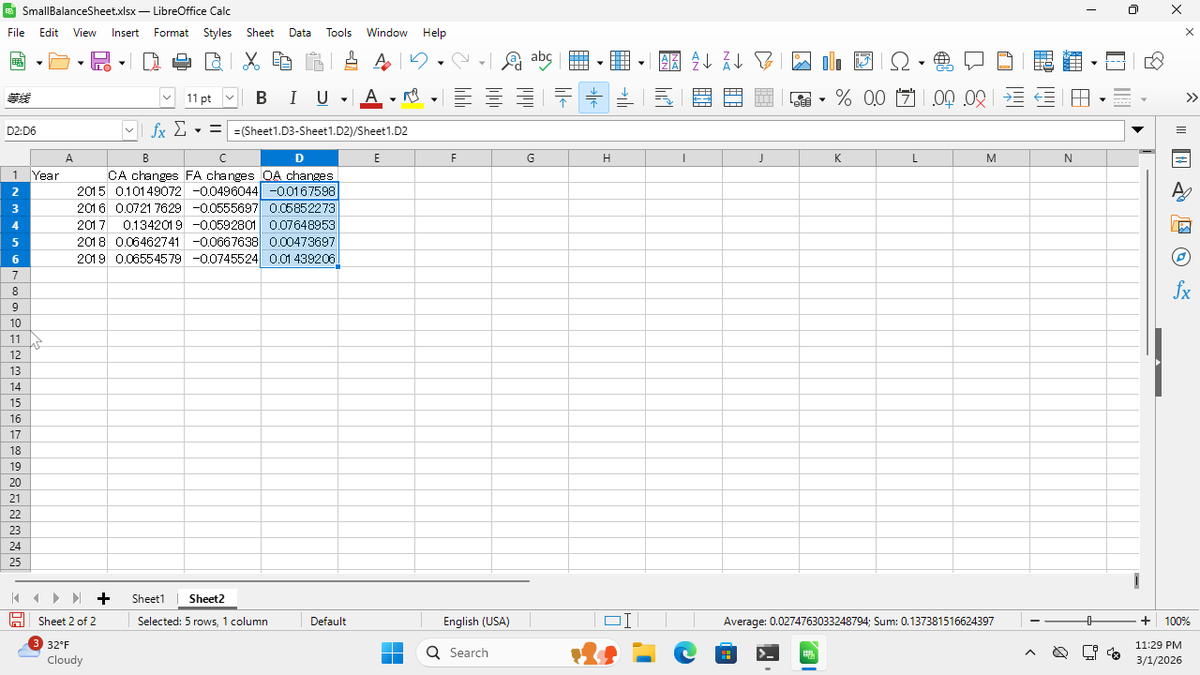
20
Click and drag to select cells B2:D6
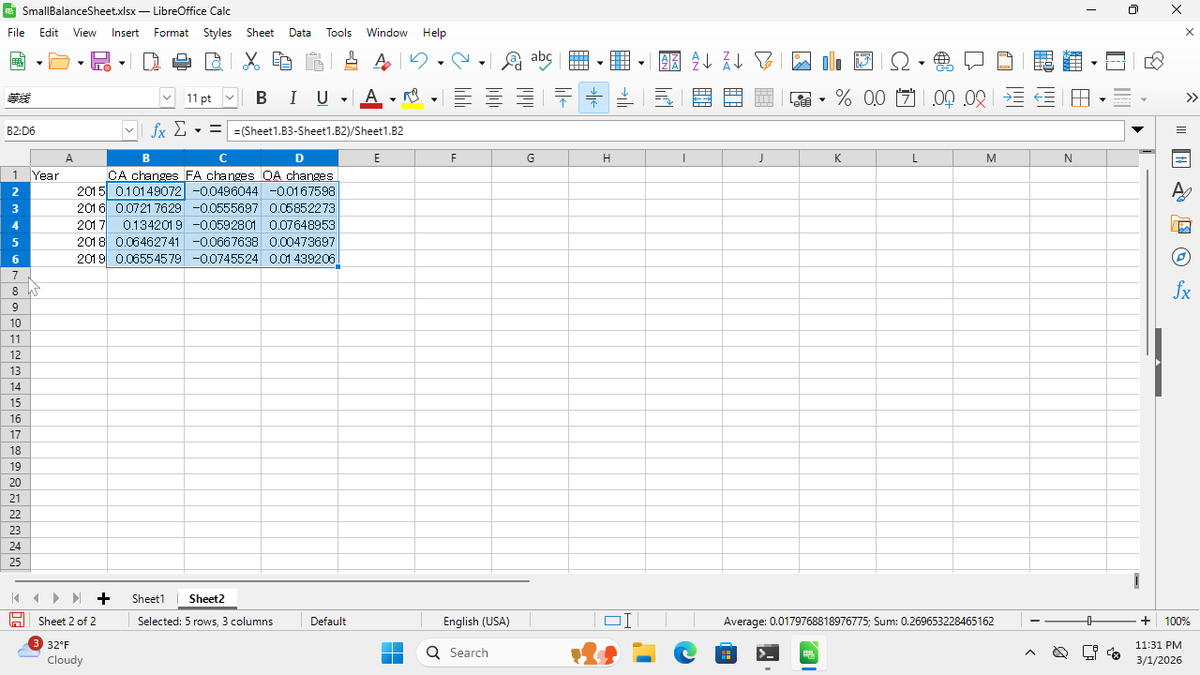
21
Click the % button in the toolbar (or press Ctrl+Shift+5)
Steps
- Right-click on the “Sheet1” tab at the bottom and select “Insert Sheet” or “New Sheet”
- Click cell A1 and type “Year”
- Press Tab and type “CA changes”
- Press Tab and type “FA changes”
- Press Tab and type “OA changes”
- Click cell A2 and type “2015”
- Press Enter and type “2016”
- Press Enter and type “2017”
- Press Enter and type “2018”
- Press Enter and type “2019”
- Click cell B2 and type “=(Sheet1.B3-Sheet1.B2)/Sheet1.B2”
- Press Enter
- Click cell B2, then drag the fill handle down to B6
- Click cell C2 and type “=(Sheet1.C3-Sheet1.C2)/Sheet1.C2”
- Press Enter
- Click cell C2, then drag the fill handle down to C6
- Click cell D2 and type “=(Sheet1.D3-Sheet1.D2)/Sheet1.D2”
- Press Enter
- Click cell D2, then drag the fill handle down to D6
- Click and drag to select cells B2:D6
- Click the % button in the toolbar (or press Ctrl+Shift+5)